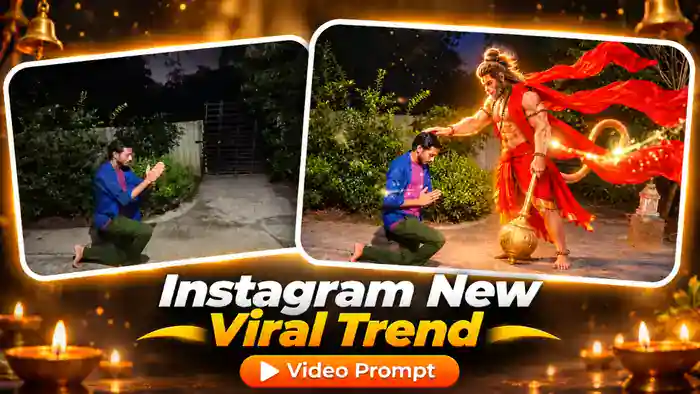

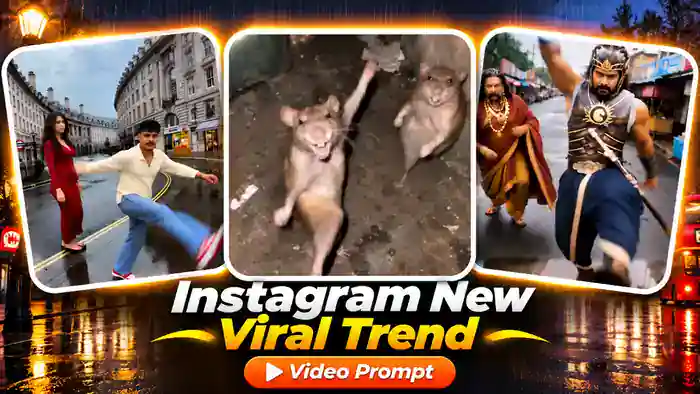
The Instagram New Viral Trend is one of the most viral dance trends on Instagram right now. Two friends walk toward a low camera on a rainy London street, and then suddenly break into wild, funny moves: a high kick into the lens, a crazy jump with flying hair, a deep crouch dance, and more.
Creators are making this trend with rats, movie warriors and even cartoon characters, but the best version is with your own face. In this post you get the tested Google Flow prompt, the reference video and the music, so you and your friend can make the exact same video for free.
Watch the Instagram New Viral Trend Reference
This is the reference video. Watch it first, then tap the button below to download the muted video and the music.
Why the Instagram New Viral Trend Trend Is Going Viral
This trend works because of the sudden contrast. The two people walk calmly, and then one of them explodes into a crazy move for one second. Viewers never know what comes next, so they watch till the end and replay it.
Moreover, the low wide camera makes every kick and jump look huge, and the rainy London street makes it look like a music video. So if you post your own Instagram New Viral Trend now, while the trend is fresh, you have a real chance to go viral.
Instagram New Viral Trend Prompt (Free)
Copy the Instagram New Viral Trend prompt below and paste it in Google Flow. We tested it many times: it keeps every dance move at the same time as the reference, and it puts your face and your clothes on the dancers.
Before You Paste This Prompt, Check These 5 Things
- Muted reference video: download the folder above and upload only the muted video in Flow. The video with sound gives an error.
- Two clear photos: your photo and your friend’s photo, face fully visible and sharp. Boy or girl, both work.
- Right order: @image1 becomes the person on the LEFT of the video, @image2 the person on the RIGHT.
- Flow settings: Ingredients mode, 9:16, 720p, 1 output. If you see an audio error, turn ON “Return silent video” in Settings.
- Add the music later: after generating, add the audio file from the same folder in CapCut or VN.
How to Make the Instagram New Viral Trend in Google Flow
- First, download the reference folder from the button above. It has the muted video and the music.
- Next, open Google Flow, create a new project and choose Ingredients mode.
- Then upload the muted video, your photo and your friend’s photo.
- After that, paste the prompt and tag them: @video1 = the muted video, @image1 = the person for the LEFT side, @image2 = the person for the RIGHT side.
- Set 9:16, 720p and 1 output, then click Generate.
- Finally, download the video and add the music file in CapCut or VN, starting from the first second, so the beat matches the moves.
Tips for a Better Instagram New Viral Trend
- Use front-facing, sharp photos in good light. A blurry or side-angle photo gives a different face.
- Wear the outfit you want in the video. The prompt takes the clothes from your photo, not from the reference.
- Generate 2–3 times and keep the best one. AI results change a little every time.
- Do not shorten the prompt. Each action line controls one dance move, and removing it makes the dance weaker.
Frequently Asked Questions
Is the Instagram New Viral Trend free to make?
Yes. Google Flow gives free monthly credits on a normal Google account, and the reference video and music are free to download here.
Can two boys or two girls make this trend?
Yes. The prompt works with any two people. Just upload the photo for the left side as @image1 and the photo for the right side as @image2.
Why does Flow show an audio error?
You probably uploaded the video with sound. Upload the muted video from the folder, or turn ON “Return silent video” in Flow Settings.
Can I change the location?
The location comes from the reference video, so it stays the London street. This keeps the dance moves accurate.
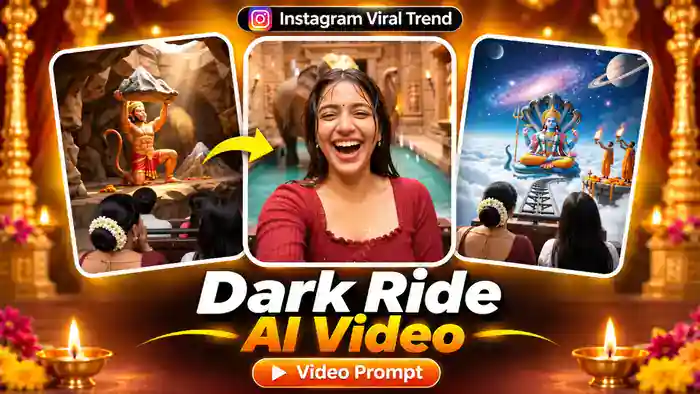
Liked the Instagram New Viral Trend? Also try the Railing Slide Trend and the Dark Ride AI Video for more viral Google Flow prompts.